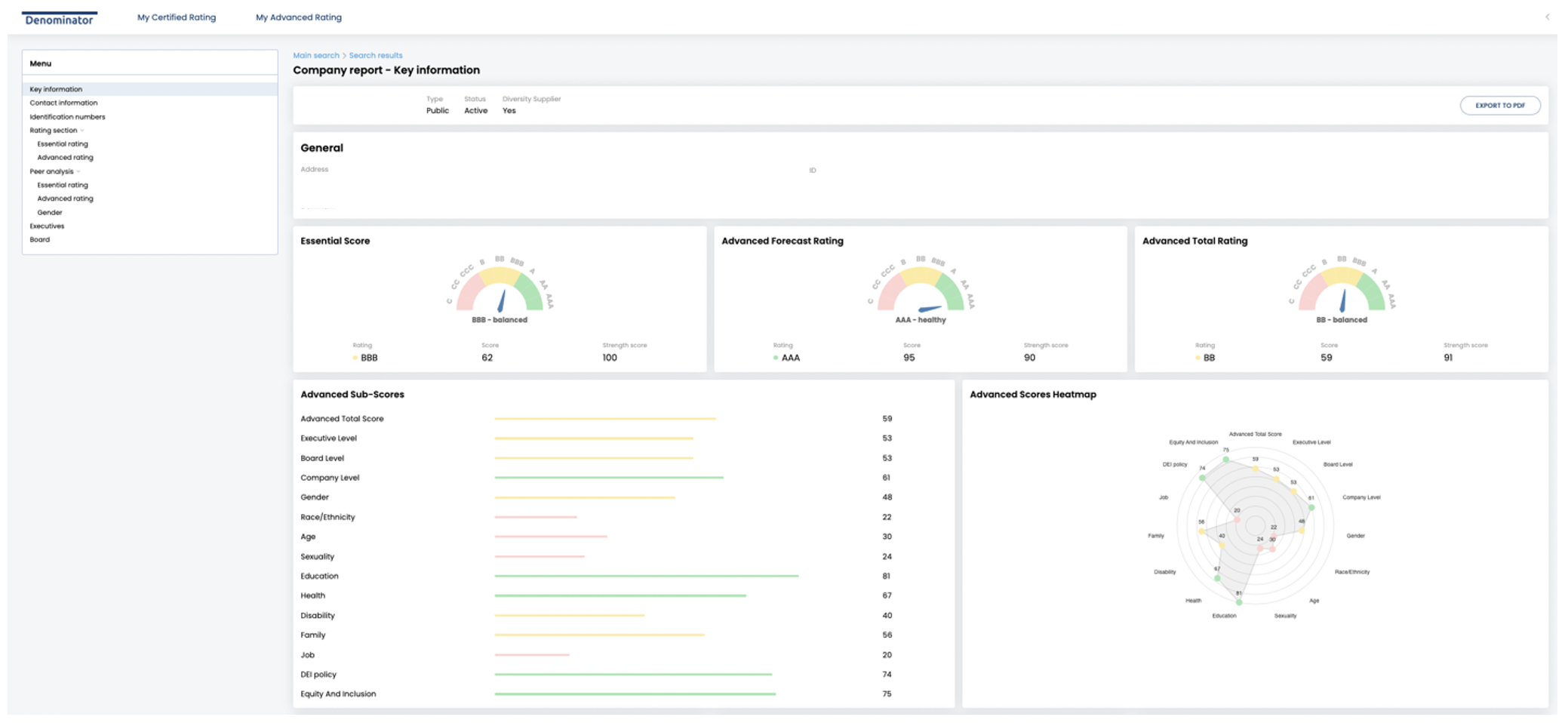
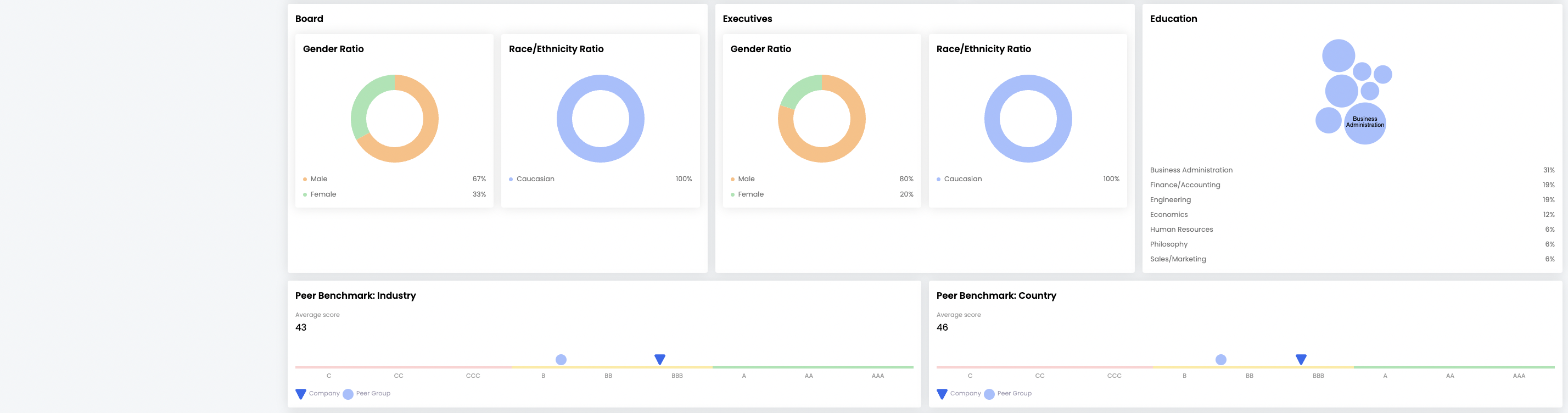
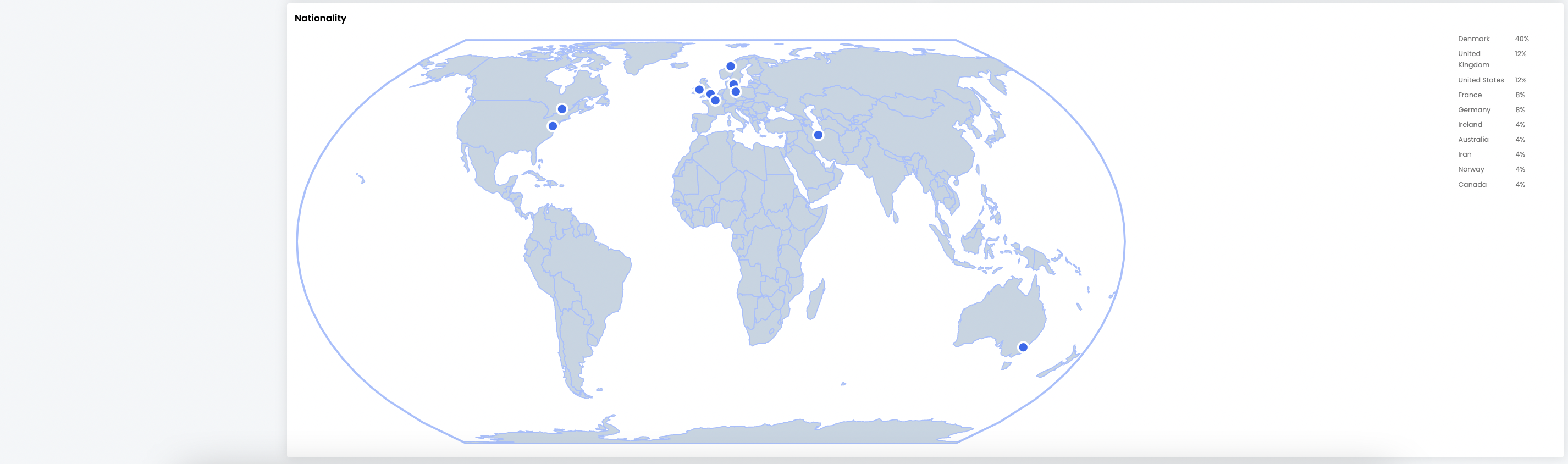
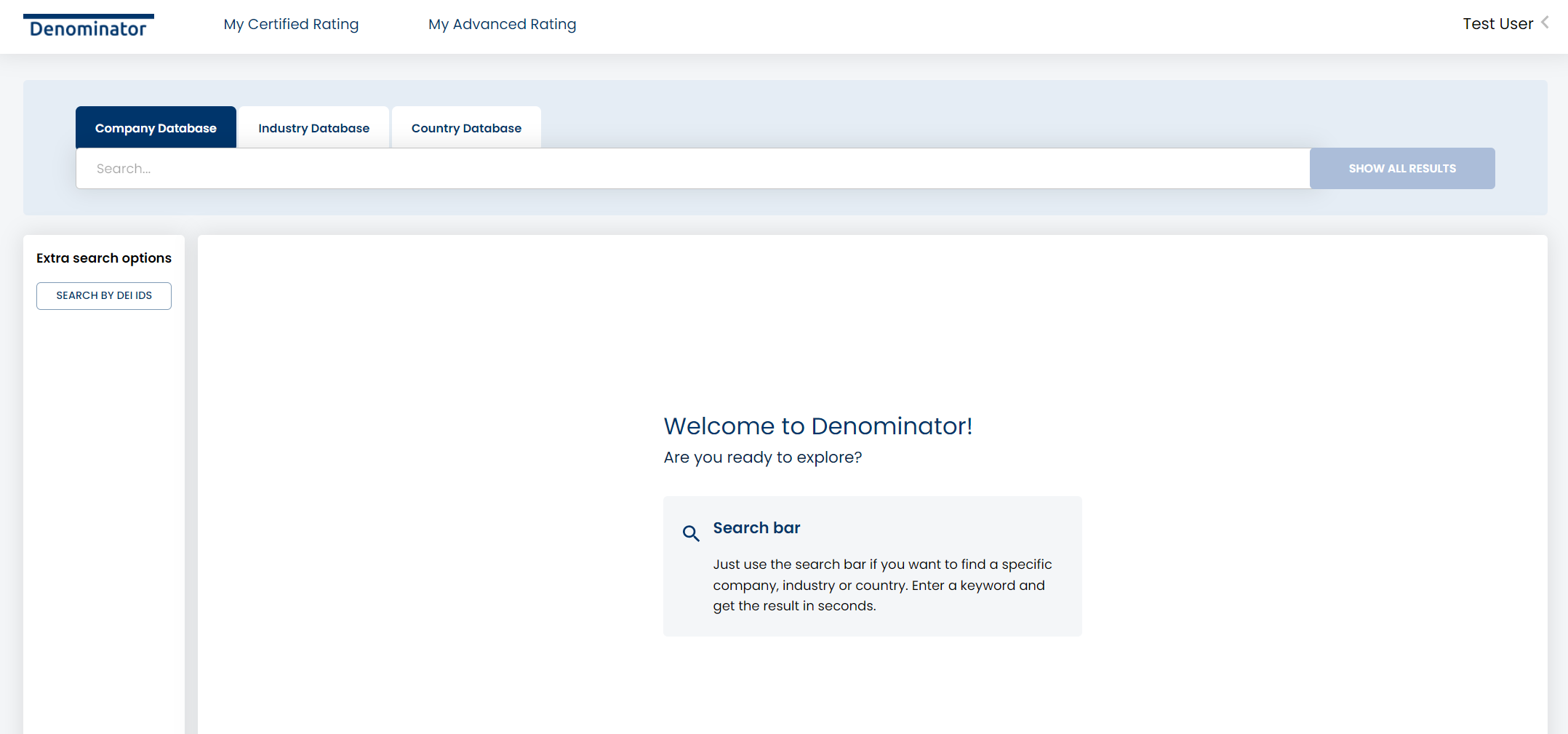
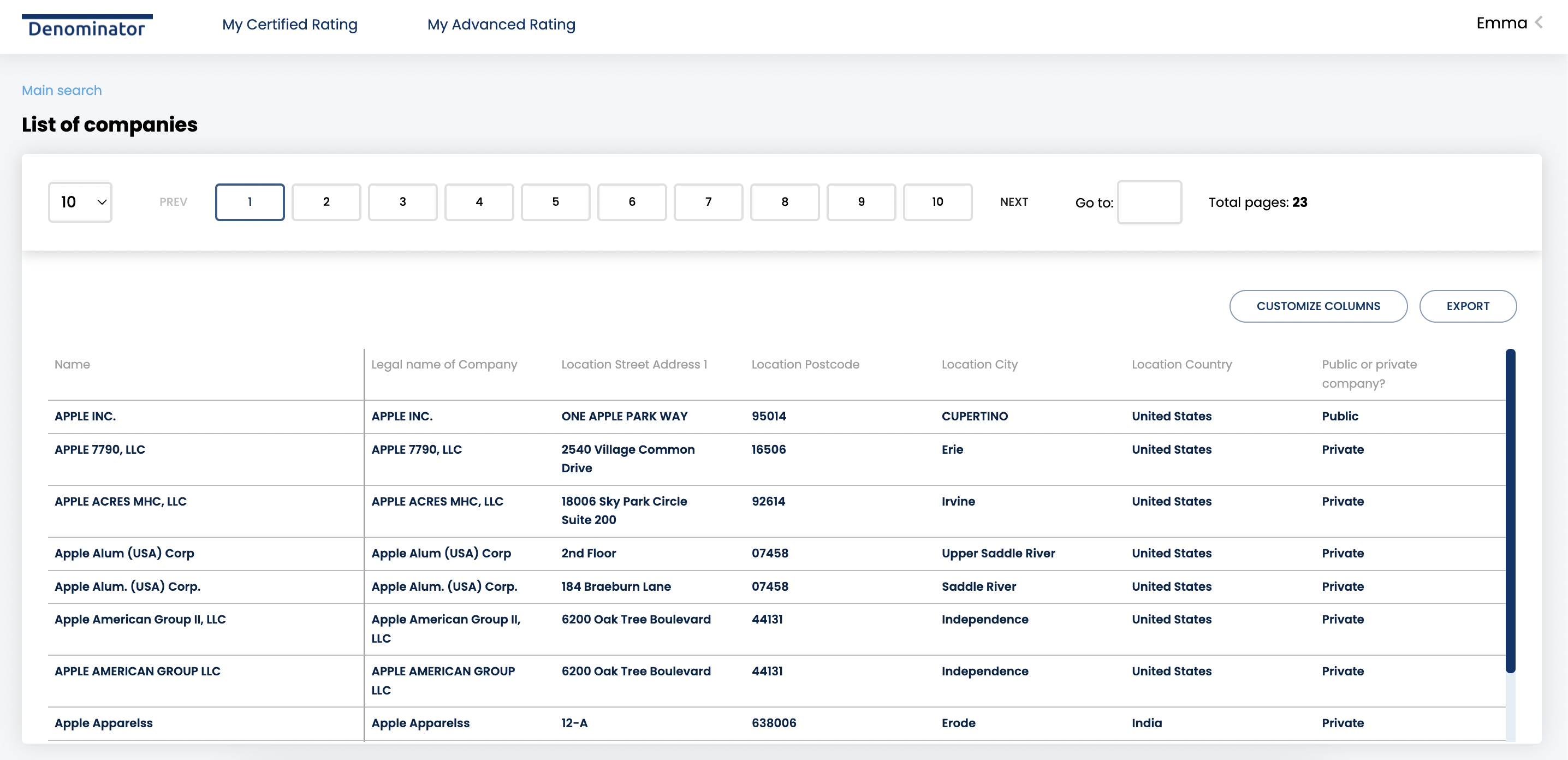
Clients can access the DEI information via Denominators user interface. It is both possible to export lists of data points to Excel via the list format or to download specific company reports to PDF. See below for a few screen shots, but please contact Denominator representative for user credentials and tutorials.
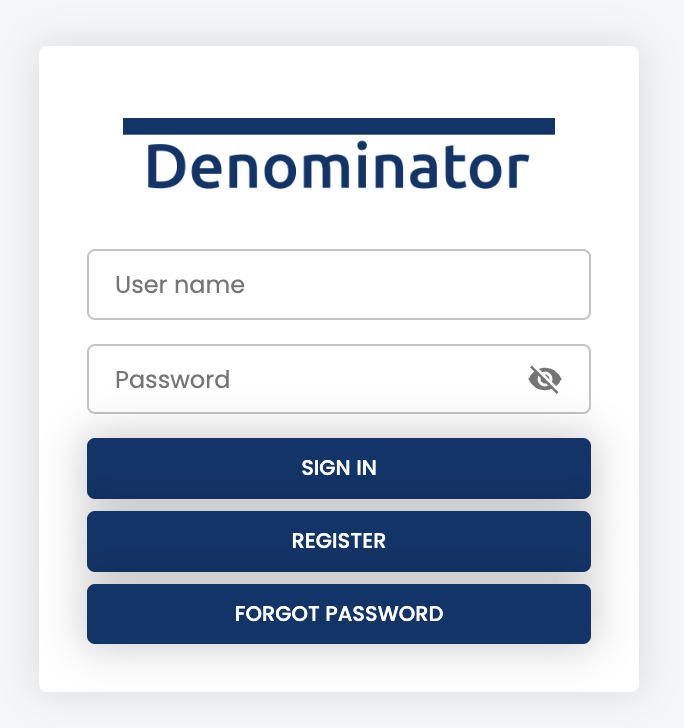
Login screen
Main page
List format
Report format